 GUIDE 1
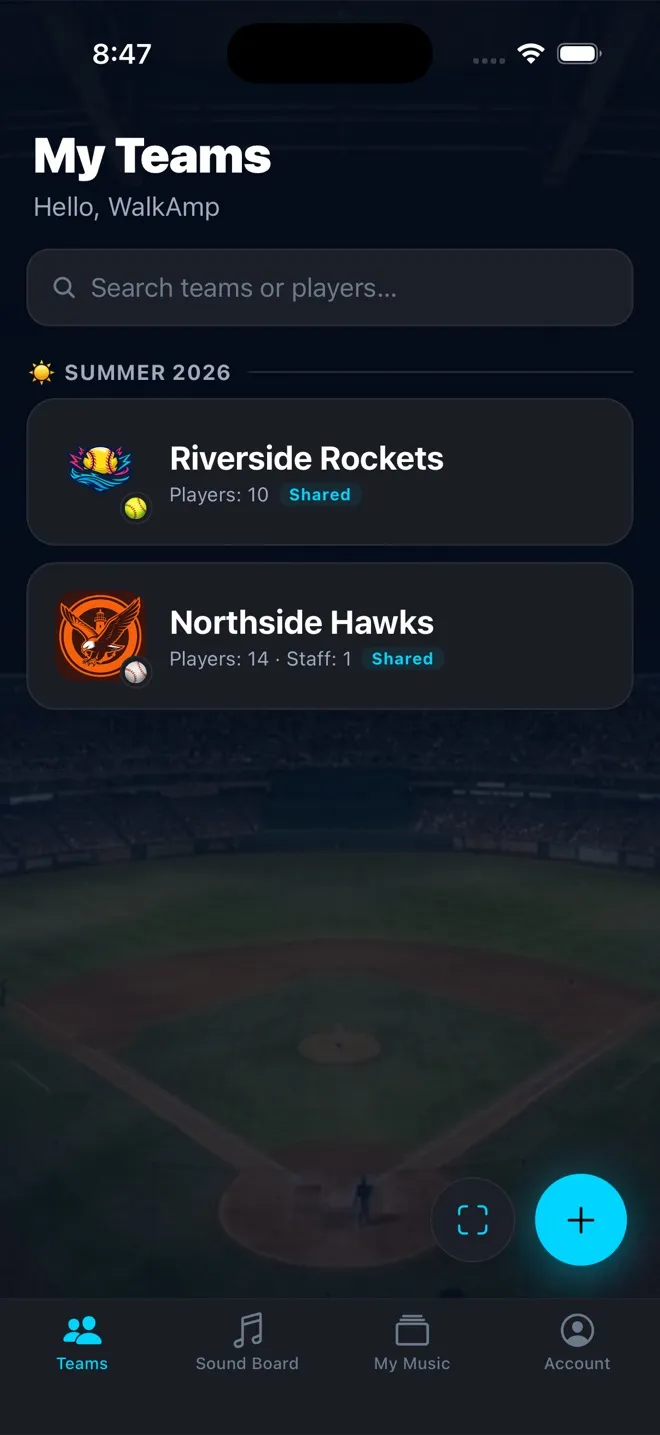
Set up your team
Create the team, add players, and set the batting order — ready in about five minutes.
Read the guide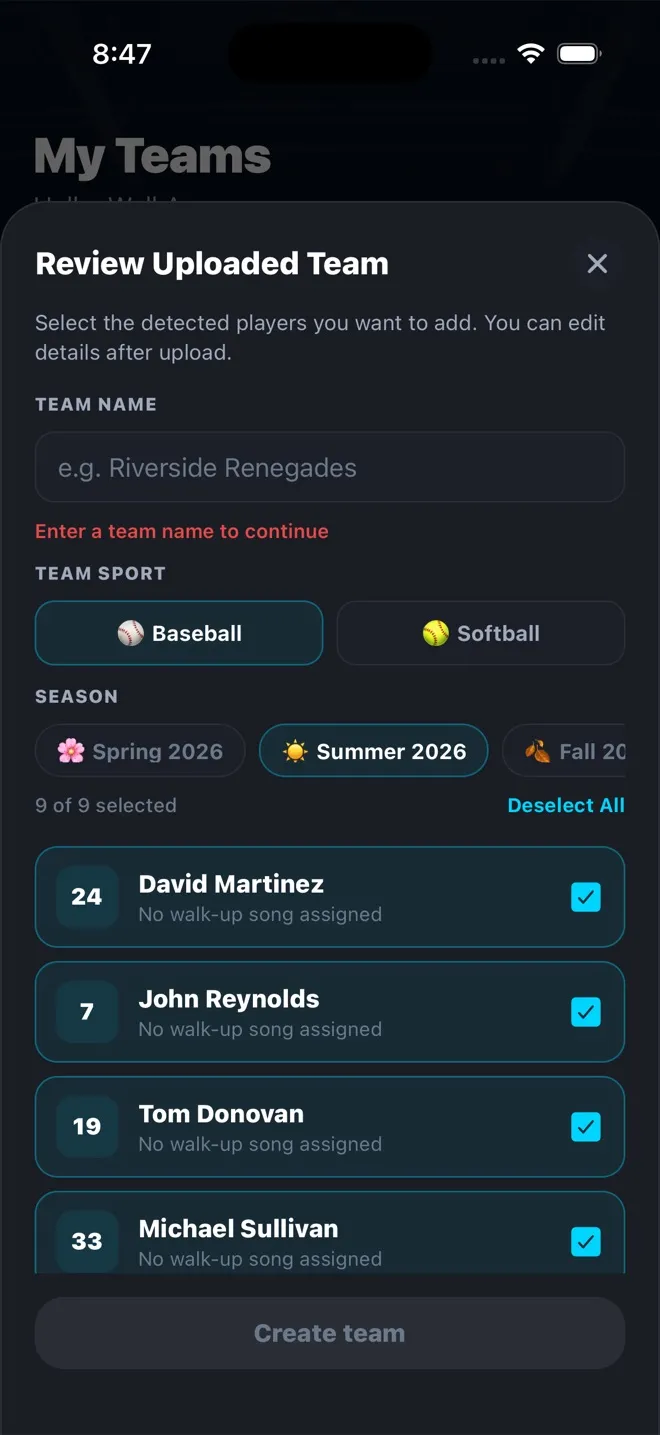 GUIDE 2
Import a roster from a photo
Snap your roster sheet or a league-app screenshot and let WalkAmp read the names and numbers.
Read the guide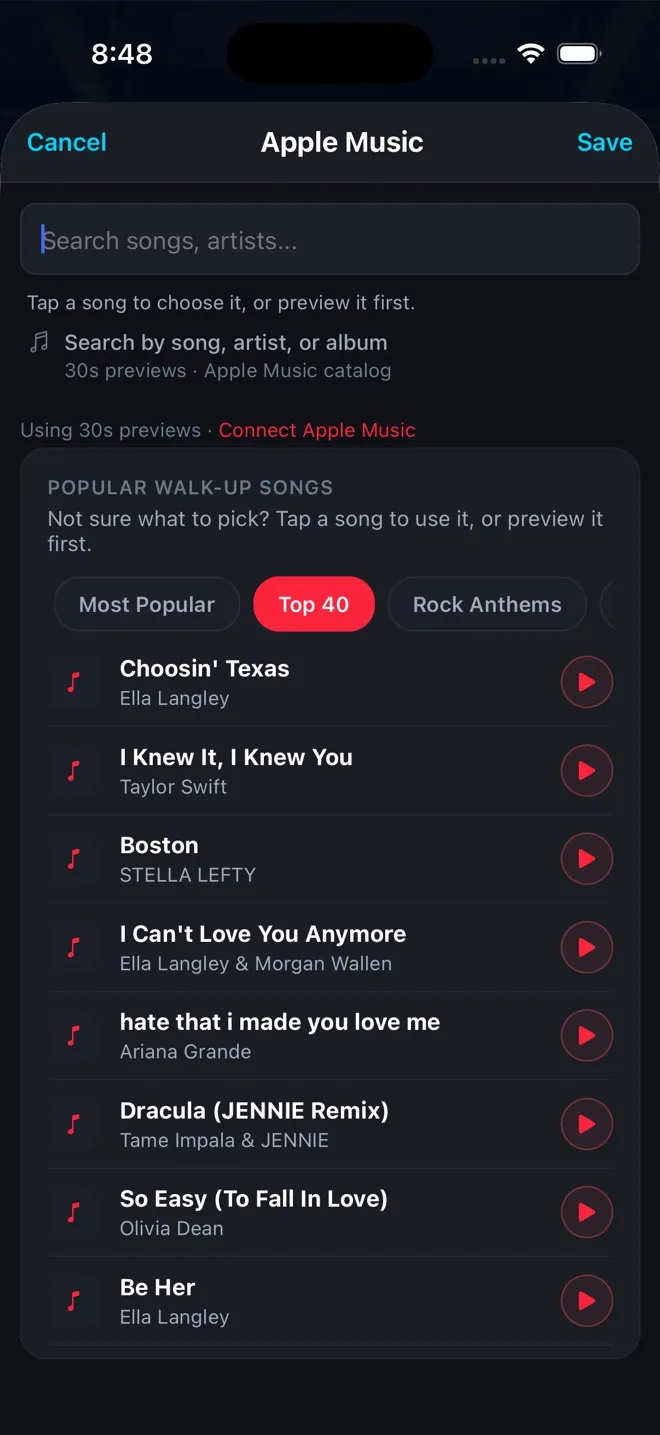 GUIDE 3
Pick walk-up songs
Search the full Apple Music catalog or browse curated walk-up lists — with or without a subscription.
Read the guide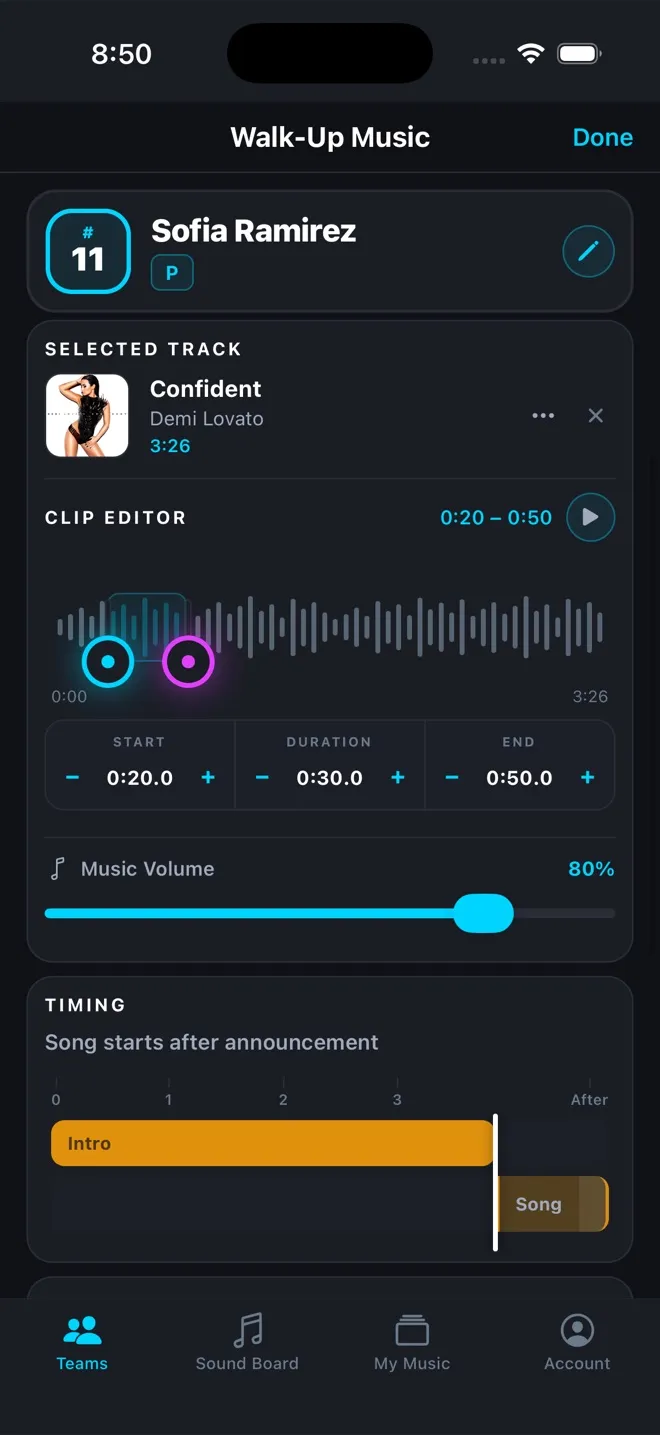 GUIDE 4
Dial in the clip & timing
Get the exact 30 seconds you want, timed to the tenth of a second around the announcement.
Read the guide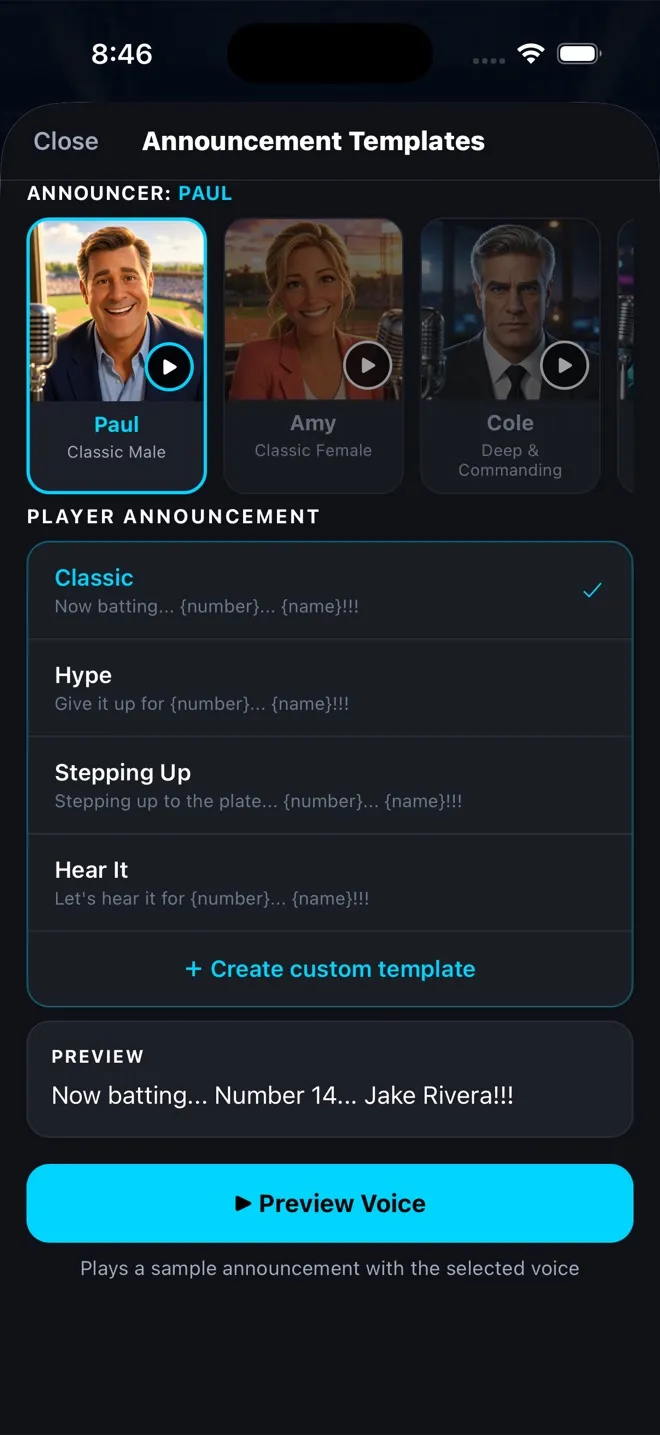 GUIDE 5
Choose announcer voices & calls
Pick a voice, pick a call template, and make sure every name is pronounced right.
Read the guide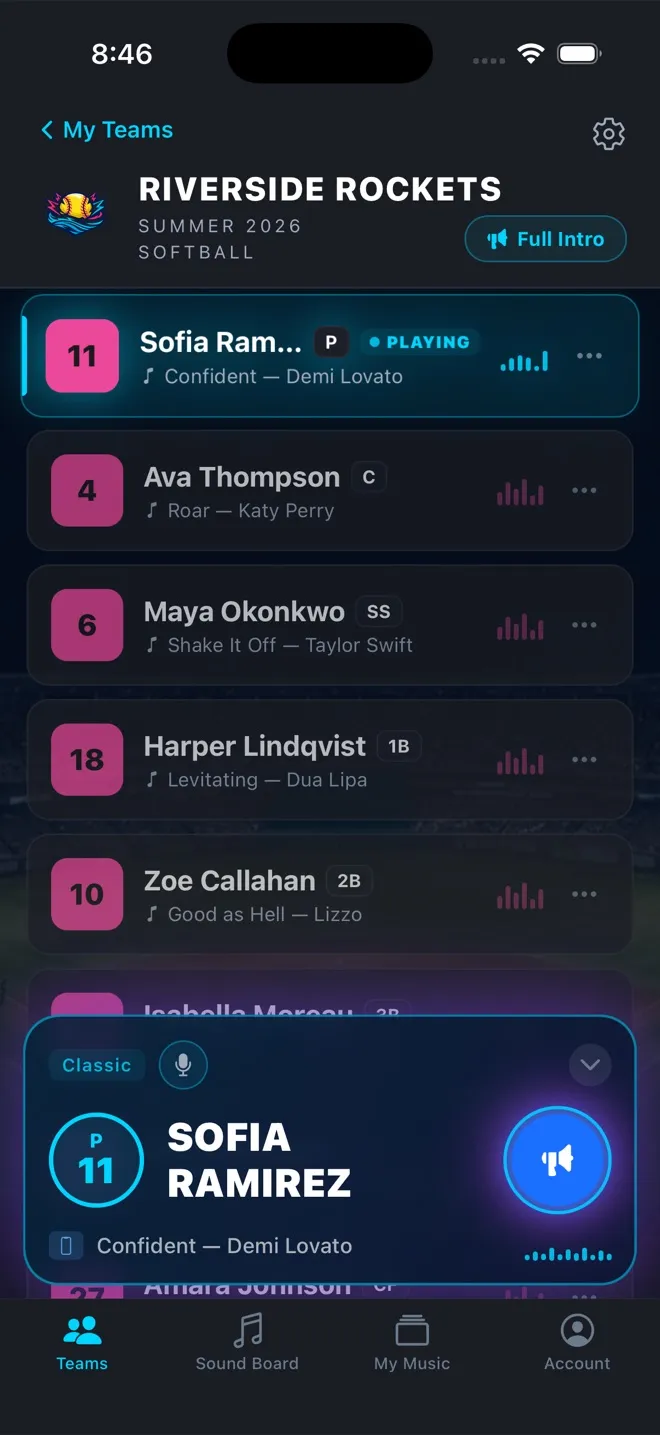 GUIDE 6
Run game day
Speaker, lineup, one tap per batter — plus the Sound Board for everything between plays.
Read the guide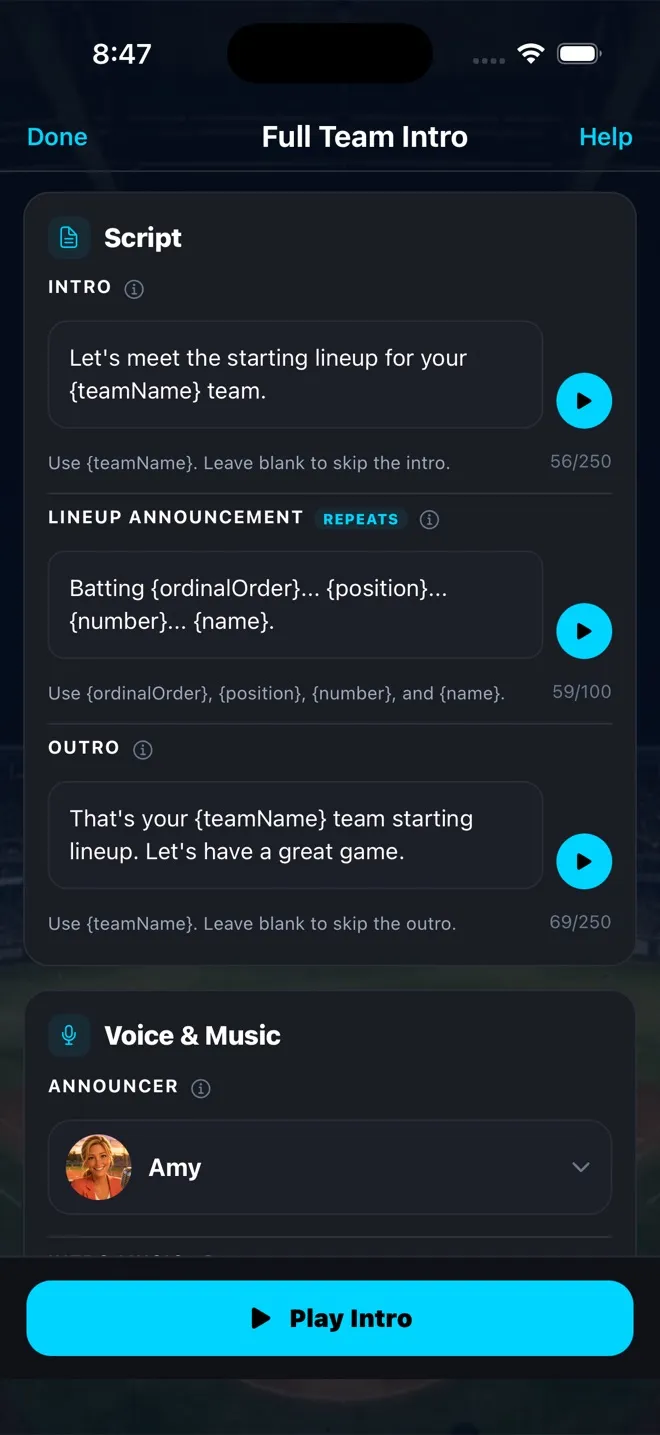 GUIDE 7
Play a Full Team Intro
Announce the whole starting lineup before first pitch, with your own opener, closer, and music bed.
Read the guide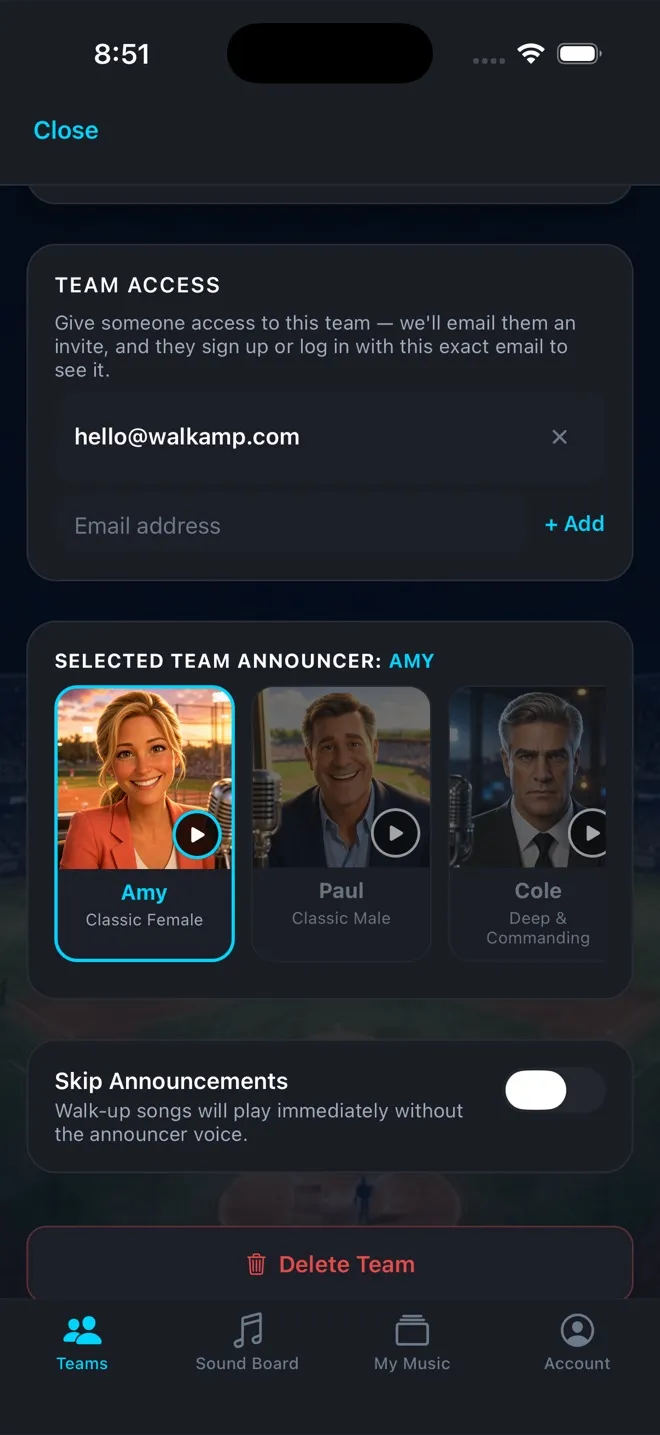 GUIDE 8
Share your team with an assistant
Invite an assistant coach by email so they can run the lineup from their own phone.
Read the guide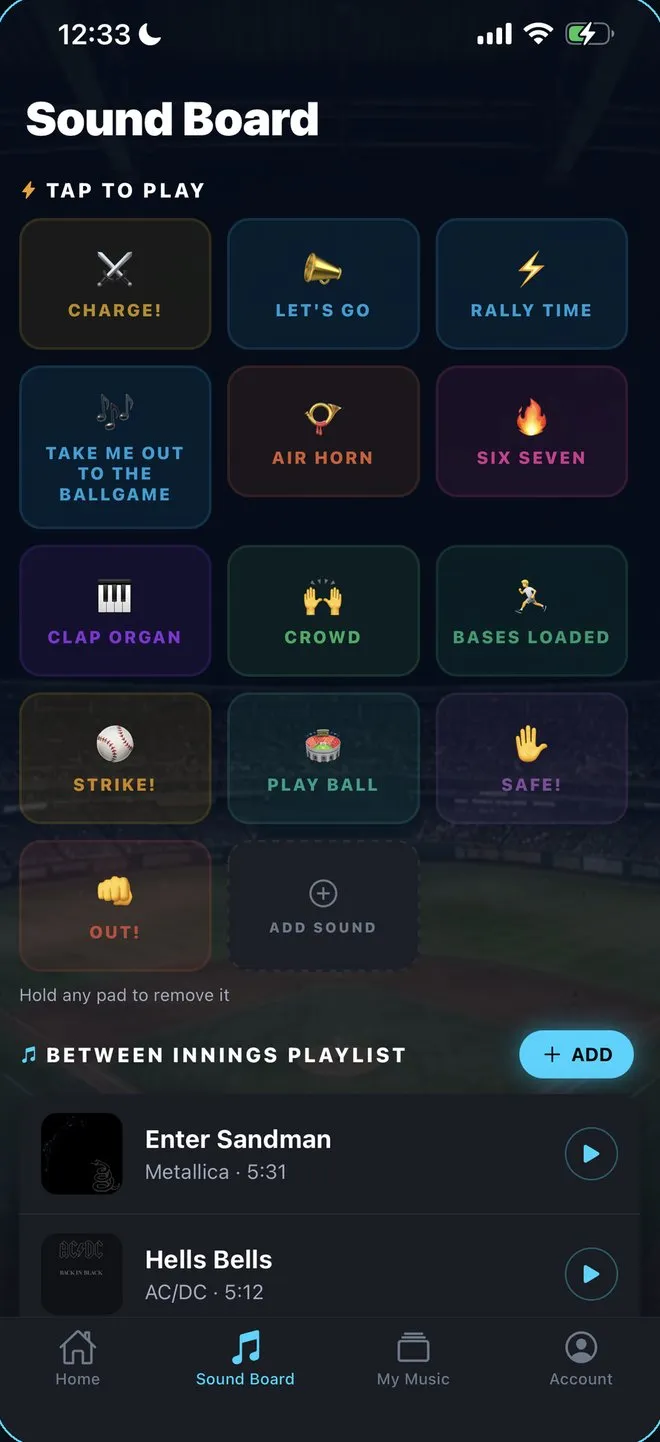 GUIDE 9
Set up a between-innings playlist
Queue songs for inning breaks from WalkAmp Hits, My Music, or Apple Music, plus the singalongs every crowd knows.
Read the guide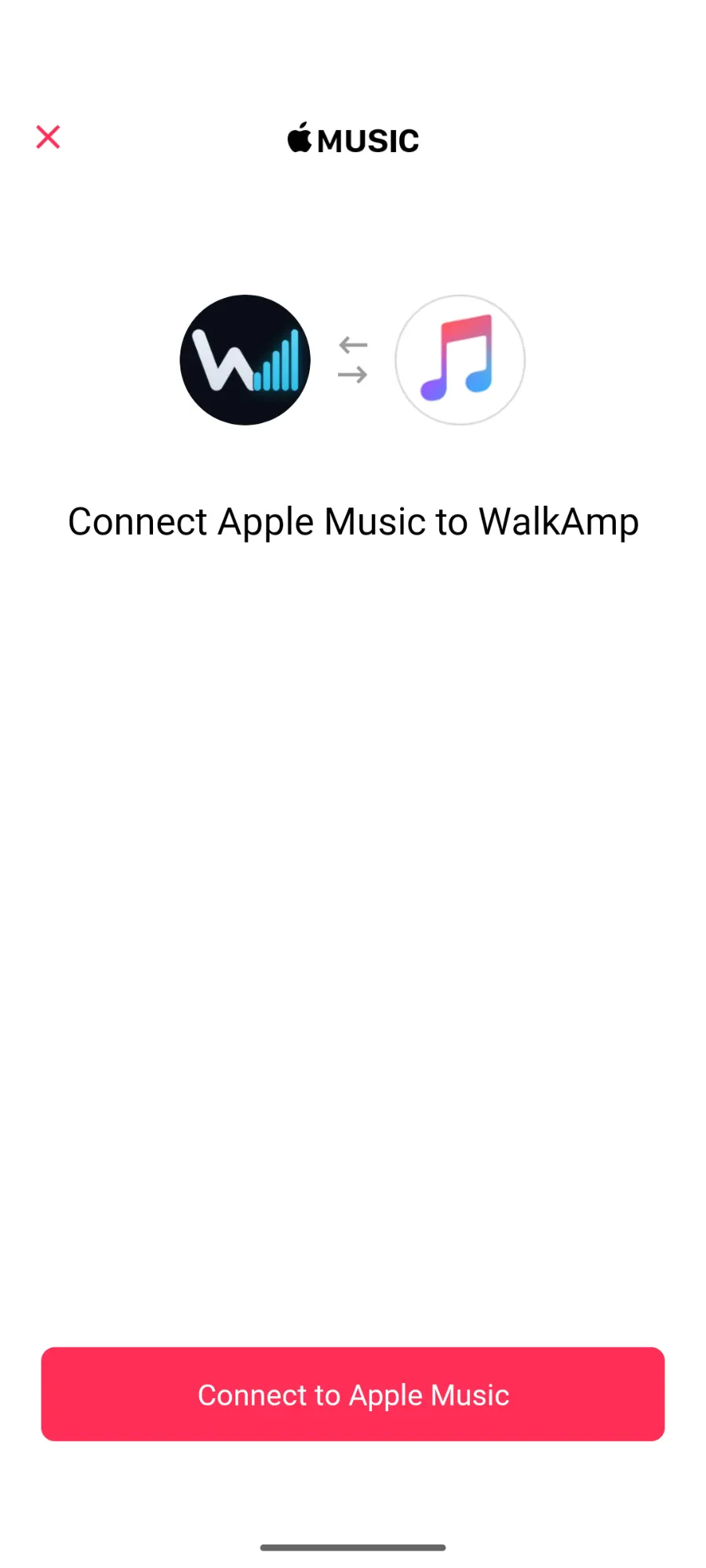 TROUBLESHOOTING
Can't connect Apple Music on Android?
Sign out of the Apple Music app, then connect from WalkAmp's My Music tab. About a minute.
Read the guide